Does AI work with the software I use? Yes, and that includes the old dispatch program on the office computer that nobody wants to touch.
AI integration goes into what you run now: the program, the inbox, the spreadsheets, the calendar, the texts. Your staff keep the same screens, and the AI does its part inside them.
What most owners picture is a new system and a month of training. What gets built is smaller than that. It starts with a map of which software holds which part of one job.
One heating and cooling company's tune-up list
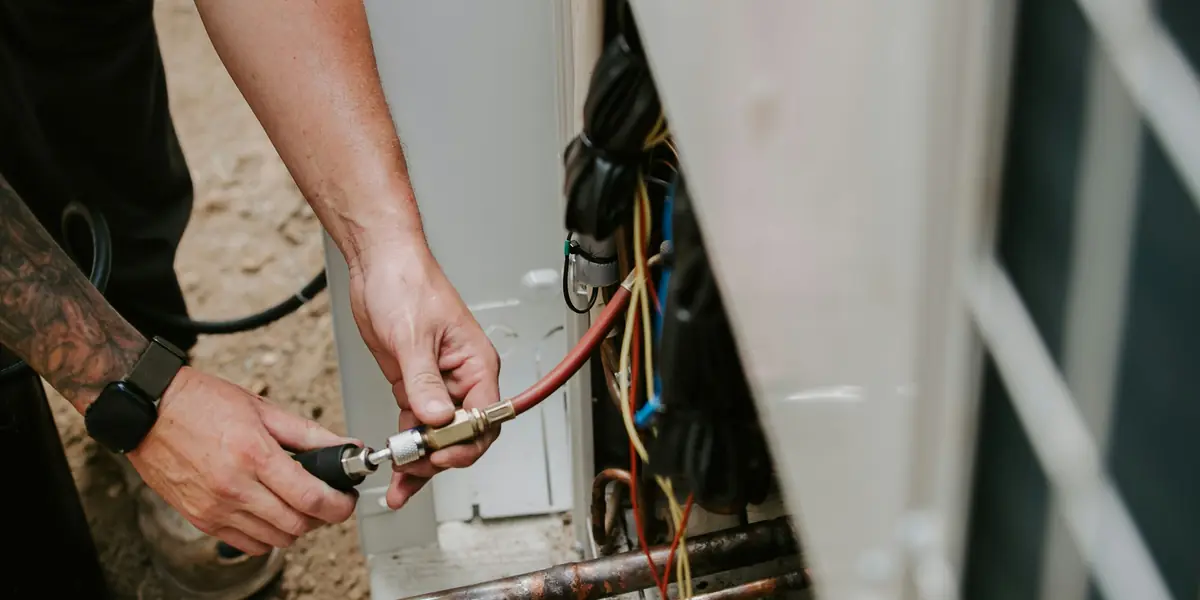
Take a heating and cooling company in Orwigsburg with two trucks and one office manager. Every April, the spring tune-up list comes due.
The list is a spreadsheet of service-contract customers. The schedule lives in a dispatch program the company has run since before the office manager was hired. Customers answer by text, by email, and by calling the office.
So the office manager works down the spreadsheet for three weeks. Call, leave a message, check the dispatch program for an open morning, type the booking in, mark the row.
By the first hot week in June, forty rows still say "left message." Those are the customers who call in July with a unit blowing warm air, on the same day as everyone else.
Where the owner thought it had to start
The owner assumed AI meant replacing the dispatch program. Years of customer history sit in it, and the techs know every screen by heart.
Switching was a winter of trouble nobody had time for. So the tune-up list stayed a job done by hand, at a desk, one phone call at a time.
The owner never doubted that AI could send a text. The doubt was whether it could book that text into a program that old.
Does AI work with the software I use, mapped in one office
Freeborn Digital maps how the work moves through a business today and picks the first place it pays. Here that was the tune-up list, and the map was three pieces of software and a phone.
Then Freeborn Digital builds an AI agent and installs it inside those same pieces. The agent reads the contract spreadsheet and sees who is due. It checks the dispatch program for open mornings and texts each customer two times that fit.
It reads each reply. A yes goes into the dispatch program as a booking, and the row on the spreadsheet gets marked done.
A customer who writes back that the unit is already blowing warm goes to the office as a service call, with a one-line note.
An agent is one of three kinds of AI integration, all told with one store's price lists in the post on what AI integration is for a small business.
You keep your software. The AI goes to work inside it.
A Tuesday in April, after
The office manager opens the dispatch program at eight, the same screen as last year. Twelve new tune-ups sit on next week's schedule, booked overnight from texts.
Two replies wait in a short list for a person. One customer wants a Saturday, and the company does not work Saturdays. One asks why the contract price went up.
Both get a call from the office, and the rest of the list keeps moving on its own. The techs still see their day in the same dispatch screen.
Nobody learned a new program. What changed is who works down the spreadsheet.
The agent sees only what its job needs
In the heating and cooling company, the agent's job is the contract list, the schedule and the customer texts. The books and the payroll sit outside its role, and it cannot change more than it was given.
You choose which actions run on their own and which wait for a person. A booking can go straight in. A refund or an email about a price can sit until someone in the office approves it.
Every action is logged with who or what did it, when, and what changed. The code, the data and the accounts are yours, and you can remove Freeborn Digital's access at any time.
How Freeborn Digital builds it
You tell Freeborn Digital the problem in plain words, and which software it happens in. You do not need to know how anything connects. That part is the build.
Freeborn Digital maps the job and installs the build inside the software you already use. Then we watch it, tune it, and add the next piece. Freeborn Digital builds this as AI integration.
Questions about AI and the software you already use
What if my software is old or made just for my industry?
It still works. AI integration is compatible with any system and software, in any industry. The heating and cooling company's dispatch program had run for years before the agent went in, and it stayed.
Do I have to switch software to use AI?
No. The AI goes into what you run now: your CRM, POS, inbox, calendar, spreadsheets, invoicing and booking. Your staff keep working where they work today.
Can the AI see everything in my software?
It sees only what its job needs, and every action it takes is logged. Payments, emails to clients and changes to records can wait for someone on your team. You hold the accounts.
What if the software itself is the problem?
Then the answer may be a new system, built by Freeborn Digital as custom software around how the business runs. A management system holds the jobs, the schedule and the invoicing in one place. Freeborn Digital maps the business first and says which fits.
The old dispatch program is still on the office computer, and the tune-up list is booked before the first hot week. If a job in your software is still done by hand, write a few lines at freeborndigital.com/start or text 570-617-7655.
Want this for your business?
Start a Project